Found on a single scan.

Try it

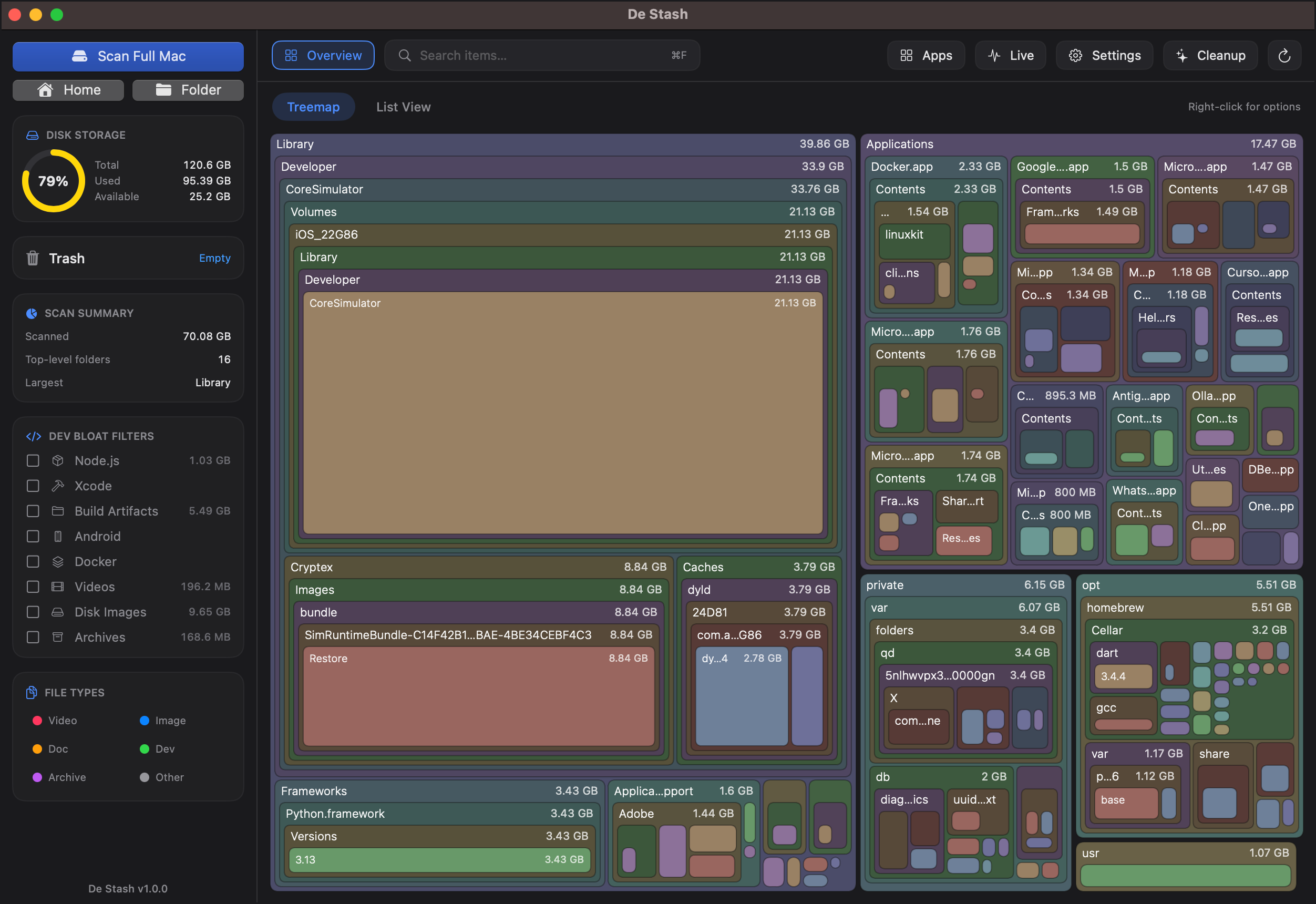
Drill into the map.

This is exactly how De Stash feels. Hover a tile to inspect it, then click any folder to drill in — all the way down to what's really eating your space.

  • Hover → size & share of the level
  • Click a folder → drill in
  • Breadcrumb → jump back out
351 GB
Hover a tile to inspectclick a folder to drill in

Your whole drive, at a glance.

Storage Map
Power Search
CPU Load
Memory

Storage Map

01

Every category and folder, measured to the byte — including the hidden System Data the Finder never shows.

  • Macintosh HD371 GB used
  • System Data 142 GBApplications 68 GB
  • Photos, Movies, Developer & more
  • Open the treemap

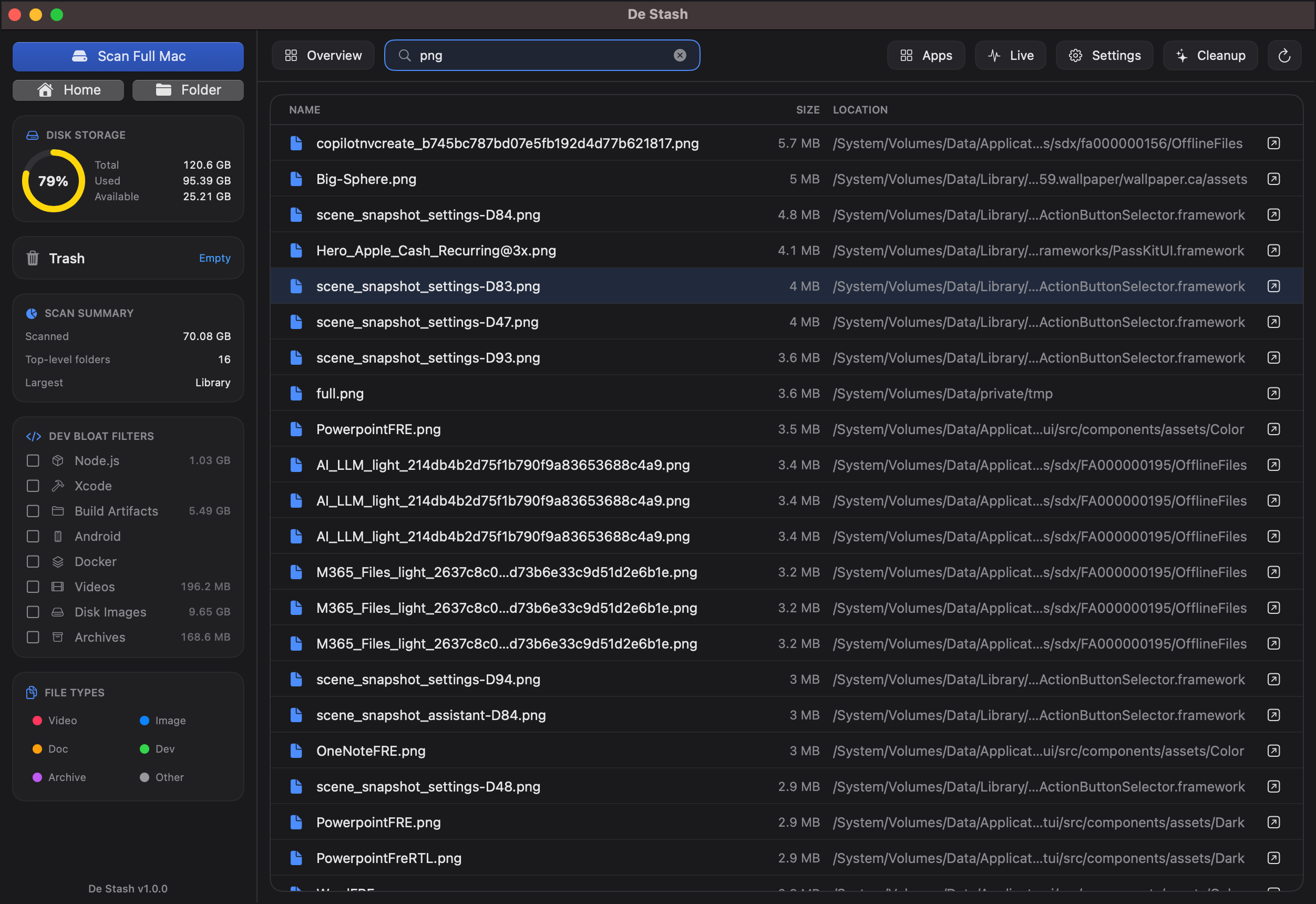
Power Search

02

Spotlight-style search across your scan — filter by type and size.

CPU Load

03

Live monitoring of every core — see what is working your Mac hardest, right now.

  • 69% load8 cores active
  • Top processes by CPU
  • Updates every second

Memory

04

Memory usage and pressure at a glance, plus the apps holding on to the most.

  • 6.76 GB of 8.59 GB in use
  • Memory pressure, live
  • Network & battery too

Take back your disk space.

Download De Stash free and see exactly what's eating your storage — in seconds.

UniversalApple Silicon & IntelFree forever, Pro is a one-time purchase

First launch: if macOS says it can't verify the developer, open System Settings → Privacy & Security → Open Anyway. Why?